
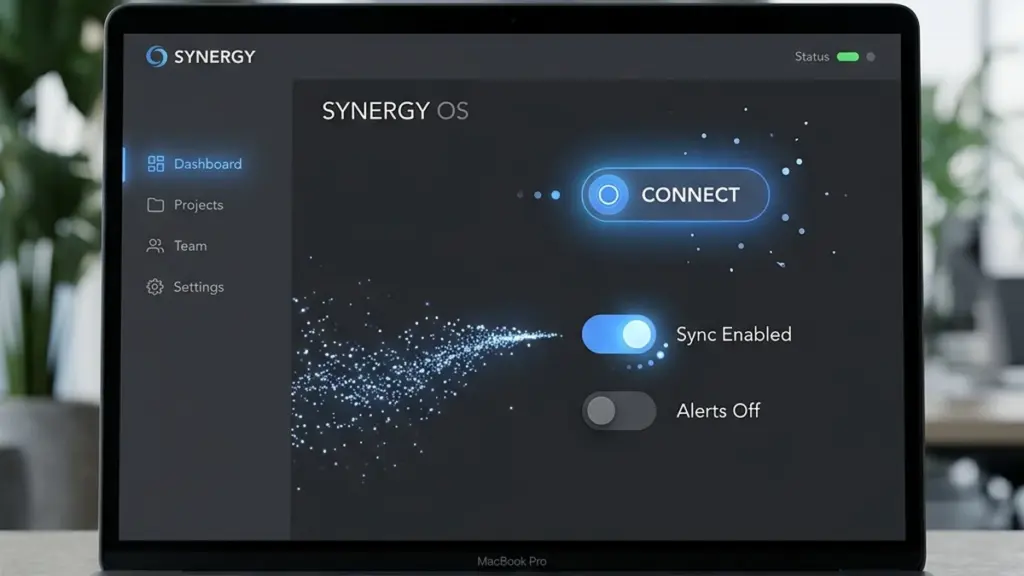
Small Animations, Big Impact on User Experience
Micro-interactions are the smallest functional animations in your interface — a button hover, a form field focus ring, a success checkmark after completing a task. When done right, they communicate feedback, guide attention, and make an interface feel polished and responsive. When overdone, they become a performance drain and an annoyance. Here’s the balance.
The Three Rules of Effective Micro-Interactions
Every micro-interaction should pass three tests. First, it must be purposeful — does it confirm an action was received, or is it just decorative? A subtle scale-up on a CTA button on hover communicates interactivity. A spinning logo does nothing. Second, it must be fast — 200 to 300 milliseconds is the sweet spot. Anything slower feels sluggish; anything faster may go unnoticed. Third, it must be optional — always check prefers-reduced-motion: reduce and disable all non-essential animations for users who have requested reduced motion at the OS level.
Start With CSS Transitions
Before reaching for JavaScript animation libraries, exhaust what CSS can do. The transition property handles 80% of common micro-interactions: hover states, focus indicators, and expand/collapse sections. Use cubic-bezier() for custom easing curves that feel more natural than the default ease. A gentle ease-out curve (cubic-bezier(0.0, 0.0, 0.2, 1)) works well for elements entering the screen, while an ease-in curve is better for elements leaving.
For more complex sequences — staggered reveals, scroll-triggered animations — lean on IntersectionObserver in vanilla JavaScript rather than importing a heavy library. It’s natively supported in all modern browsers and lets you fire animations only when elements enter the viewport, saving CPU cycles on content the user hasn’t scrolled to yet.
Five Interactions Every WordPress Site Should Have
- Focus ring on form fields: A 2px blue outline with a smooth transition on
:focus-visibleprovides clear feedback for keyboard users without the jarring browser-default dotted line. - Button hover scale:
transform: scale(1.02)on primary CTAs with a 150ms transition signals clickability without layout shift. - Loading skeleton: Instead of a blank screen or a generic spinner, show a low-contrast placeholder shape matching the final content layout. This reduces perceived wait time significantly.
- Success toast: After form submissions, slide in a brief notification from the top-right corner and auto-dismiss after 3 seconds. Pair with
aria-live="polite"so screen readers announce it. - Scroll progress indicator: A thin bar at the top of the page that fills as the user scrolls, using a
requestAnimationFramethrottled scroll listener. It sets expectations for article length without cluttering the UI.
Measure Before You Ship
Micro-interactions that trigger layout recalculations or paint operations can tank your page performance. Use Chrome DevTools Performance panel to record interactions and look for long tasks (anything over 50ms). A button hover that triggers a 200ms composite is not a micro-interaction — it’s a performance bug. Stick to transform, opacity, and filter for animation, as these properties are GPU-accelerated and skip the layout and paint steps entirely.

0 Comments
Please log in to leave a comment.