
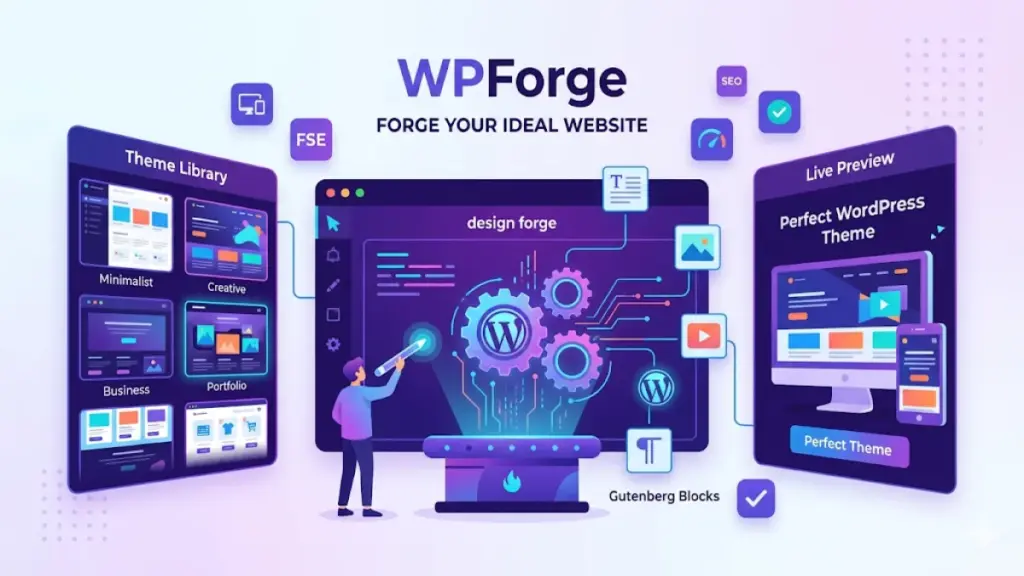
Choosing a WordPress theme feels like standing in front of a massive warehouse full of options. There are over 30,000 themes available between the WordPress.org repository and commercial marketplaces. The choice can be paralyzing. Make the wrong decision and you are stuck with a theme that is slow, bloated, or painful to customize.
This guide will walk you through exactly what to look for — and what to avoid — when picking a theme for your next project.
Define Your Requirements First
Before browsing themes, write down what your site actually needs. eCommerce functionality? A portfolio grid? A blog layout? A business landing page? Be specific. The clearer your requirements, the easier it is to eliminate themes that do not fit. Do not be seduced by features you will never use.
Prioritize Performance Over Features
The most common mistake is choosing a theme with every feature imaginable. Multi-purpose themes with built-in page builders, sliders, parallax effects, and animation libraries look impressive in demos but often load slowly and create dependency lock-in.
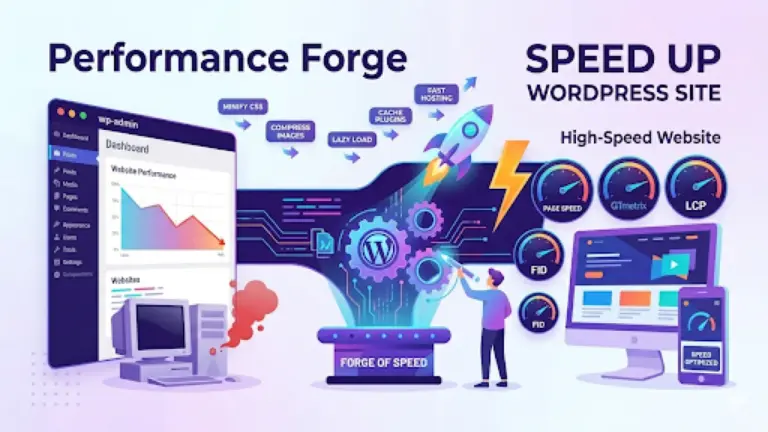
A lightweight, focused theme that does one thing well will almost always outperform a bloated Swiss army knife. Look for themes that advertise performance metrics, use minimal JavaScript, and do not bundle a dozen third-party libraries you do not need.
Test the Demo Thoroughly
Do not just browse the theme demo. Test it. Run the demo URL through Google PageSpeed Insights. Check it on mobile. Click through every page. Does the navigation work smoothly? Are images properly sized? Is the typography readable at all screen sizes? A beautiful screenshot means nothing if the live experience falls apart.
Check the Code Quality
If you know your way around code, peek under the hood. A well-built theme uses semantic HTML5, properly enqueued scripts, and follows WordPress coding standards. Avoid themes that hardcode scripts in the header, use deprecated functions, or output messy inline styles. Clean code means easier customization and fewer conflicts with plugins.
Evaluate Plugin Compatibility
Your theme should work well with the plugins you rely on. WooCommerce, Yoast SEO, Contact Form 7, and caching plugins are common dependency points. Check the theme documentation or changelog for compatibility notes. A theme that forces you to use specific, obscure plugins instead of the standard ones is a theme you should avoid.
Look at Browser Support and Accessibility
Your theme should render correctly across all major browsers. But beyond that, it should be accessible. Proper heading hierarchy, keyboard navigation support, focus indicators, and screen-reader-friendly markup are not optional extras. They are fundamental. Many regions now have legal accessibility requirements for websites.
Examine Update History and Support
A theme that has not been updated in two years is a risk. WordPress core evolves, PHP versions change, and browsers advance. Check the theme changelog. Look at the support forum or ticket system. Are questions answered promptly? Are bugs acknowledged and fixed? A theme from an abandoned developer is a time bomb.
Consider the Gutenberg Factor
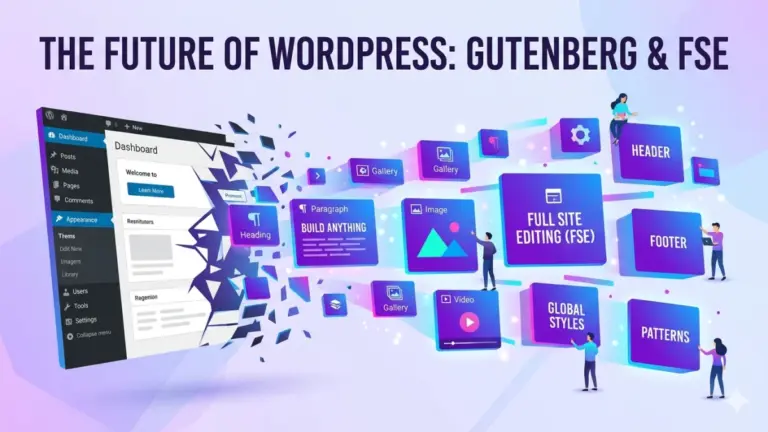
Since WordPress 5.0, the block editor is the standard editing experience. A theme that integrates well with Gutenberg gives you more control over page layouts without additional page builders. Look for themes advertised as block-ready or that provide custom block patterns and styles.
The WPForge Approach
At WPForge, we build themes differently. Every theme in our marketplace is hand-coded with performance as the primary design constraint. No bloated page builders. No jQuery dependency. No mystery scripts. Just clean, semantic, lightweight code that loads fast and looks beautiful. We think you should not have to choose between aesthetics and speed.
Conclusion
The perfect theme is the one that meets your specific needs without excess baggage. Prioritize performance, code quality, and long-term maintainability over flashy demo content. Test before you commit. And remember: changing themes later is significantly more work than choosing carefully the first time.

0 Comments
Please log in to leave a comment.