
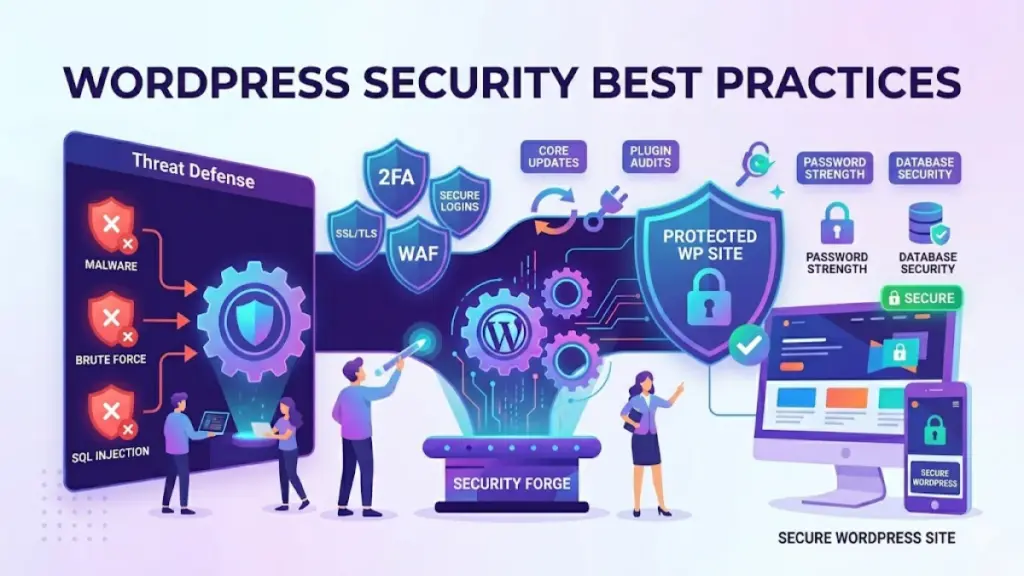
WordPress powers over 40% of the web, making it the most popular CMS on the planet. But with great popularity comes great responsibility. WordPress sites are a prime target for hackers, bots, and automated exploit scanners. The good news? Most attacks succeed because of preventable mistakes.
Here are ten battle-tested security practices that every WordPress site owner should implement today.
1. Keep Everything Updated
This is the single most impactful thing you can do. Outdated core, themes, and plugins are the number one attack vector. Enable auto-updates for minor core releases and set a calendar reminder to check for plugin updates weekly. Every outdated plugin is a potential backdoor waiting to be opened.
2. Use Strong, Unique Passwords
Your password is the front door to your site. Use a password manager to generate and store complex passwords. Never reuse the same password across services. Enforce strong passwords for all users and consider two-factor authentication (2FA) for admin accounts.
3. Choose a Reputable Hosting Provider
Your hosting environment is your castle walls. A quality managed WordPress host provides server-level firewalls, malware scanning, automatic backups, and isolation between accounts. Shared hosting, while cheap, means a compromised neighbor can affect your site.
4. Install a Security Plugin
A dedicated security plugin like Wordfence or Sucuri adds a critical layer of protection. These tools provide real-time firewall protection, malware scanning, login attempt limiting, and file integrity monitoring. Configure notifications so you know immediately when something suspicious happens.
5. Use HTTPS Everywhere
SSL certificates are free and essential. HTTPS encrypts data between your server and visitors, protecting login credentials, contact form submissions, and customer data. Google also ranks HTTPS sites higher. Most hosting providers offer free integration with Let’s Encrypt.
6. Limit Login Attempts
Brute force attacks are the most common form of WordPress attack. Bots hammer your login page with thousands of password combinations per minute. Limit login attempts to 3-5 before locking out the IP address for several minutes. Most security plugins include this feature.
7. Disable File Editing
By default, WordPress allows administrators to edit theme and plugin files directly from the dashboard. If an attacker gains admin access, this becomes a quick path to injecting malicious code. Add define(“DISALLOW_FILE_EDIT”, true); to your wp-config.php file.
8. Regular Backups Are Non-Negotiable
If the worst happens, backups are your safety net. Use a reliable backup plugin or your host’s backup service to create daily automated backups stored off-site. Test your backups regularly. A backup you cannot restore is not a backup at all.
9. Change the Default Admin Username
Never use admin as your administrator username. It is the first username bots try during brute-force attacks. During WordPress installation, choose a unique admin username. For existing sites, create a new admin account with a unique name, log in, and delete the old admin account.
10. Harden Your wp-config.php File
The wp-config.php file contains your database credentials and WordPress security keys. Move it one directory above your WordPress root if possible. Add proper file permissions, disable the plugin and theme editor, and generate fresh security salts from the WordPress secret-key generator.
Final Thoughts
Security is not a one-time setup. It is an ongoing practice. Start with the basics — updates, strong passwords, and backups — then layer on additional protections over time. Most importantly, never assume your site is too small to be a target. Automated bots do not discriminate.



0 Comments
Please log in to leave a comment.